Connect an OnlyFans account
Under a minute, nothing to install. With the creator’s permission, and her password is never stored.
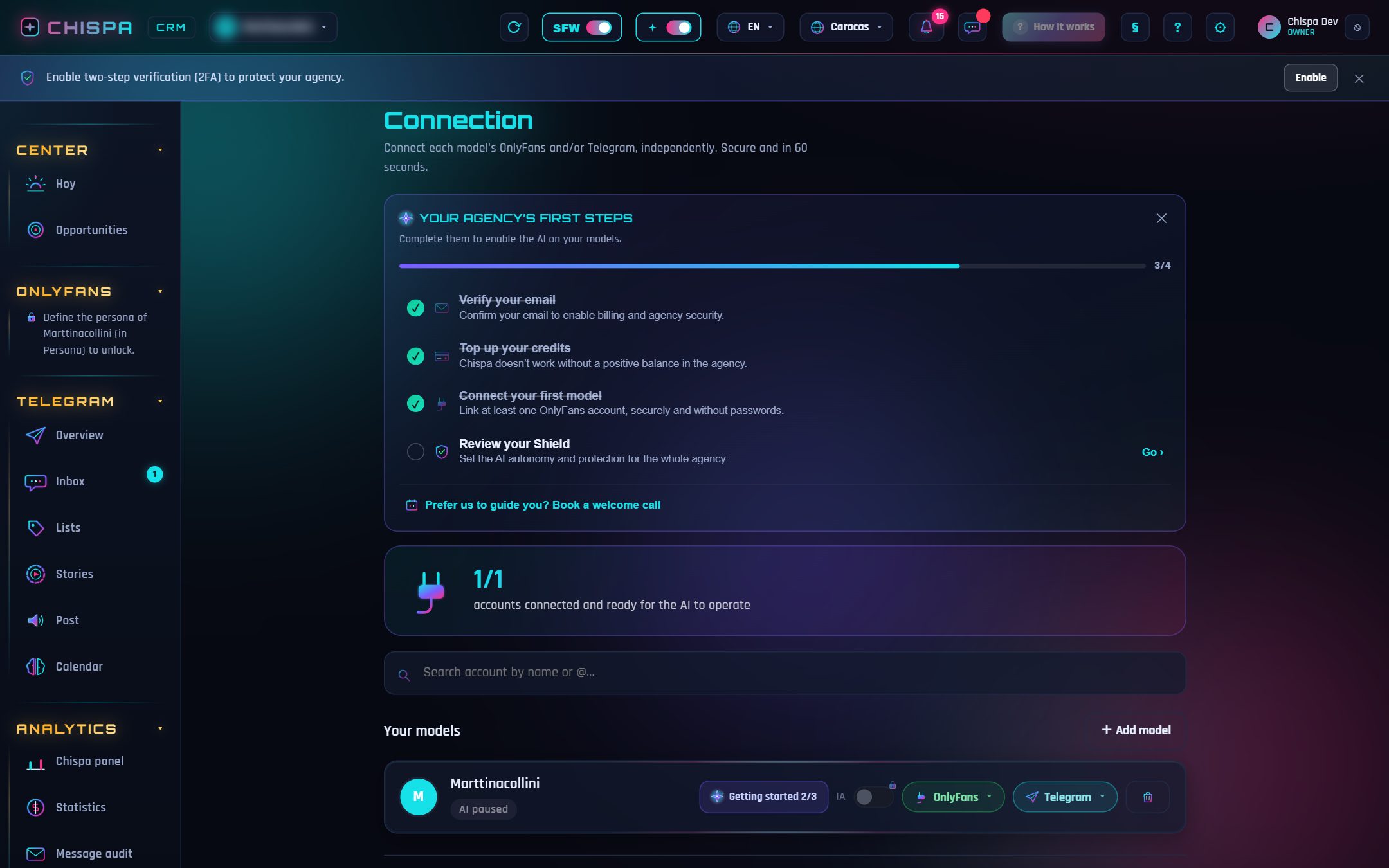
Connecting OnlyFans with Chispa takes under a minute and requires no browser install and no proxies. The creator authorizes access securely, from her own session, and Chispa starts operating that account directly.
In Engine › Connection, on the model’s row, click + Connect and pick OnlyFans.
The creator provides her OnlyFans access so the session can be opened. The password is used only at that moment and is not stored; what is kept is the session, encrypted.
Chispa operates that account with no middlemen and starts syncing chats and content securely.
After connecting
Define her Persona (voice and limits) to unlock operations, and decide when to turn on the AI. From there, Chispa chats and sells in your model’s voice.
Open Chispa and play with this section using your own data.