The reply deck
Chispa gives you several ready replies to play with, in her voice.
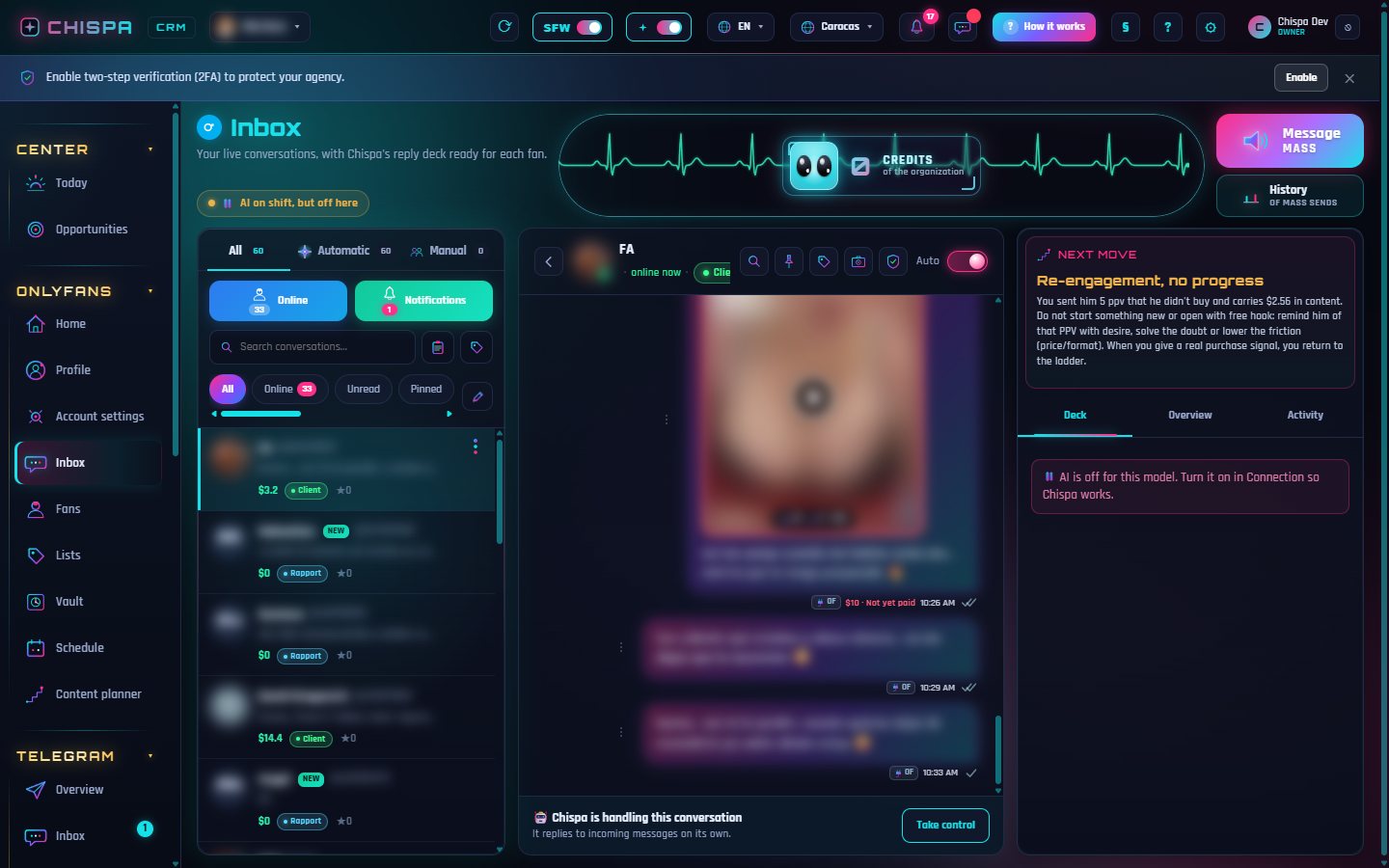
For each fan, Chispa prepares a deck: a juicy set of replies that sell, in your model's exact tone. You pick, tweak and send.
How to use it
- Open a chat in the Inbox. The deck + the fan file appear on the right.
- Pick the reply you like best, edit it if you want, and send.
- If the AI is in automatic, it sends the best option on its own.
The deck reads the full context (last messages, fan memory, available content) before proposing. That's why it closes, and doesn't sound like a bot.
Try it yourself
Open Chispa and play with this section using your own data.
Was this helpful?